Triads become useful when you can find the next shape without breaking the rhythm. These four apps tackle shapes, guided challenges, intervals, and fretboard recall.
Offers and included features can change. Follow the official links in each review for the current purchase options.
01
Best for triad shapes, inversions, and musical loops
StrumForge
Web, iPhone, iPad & Android
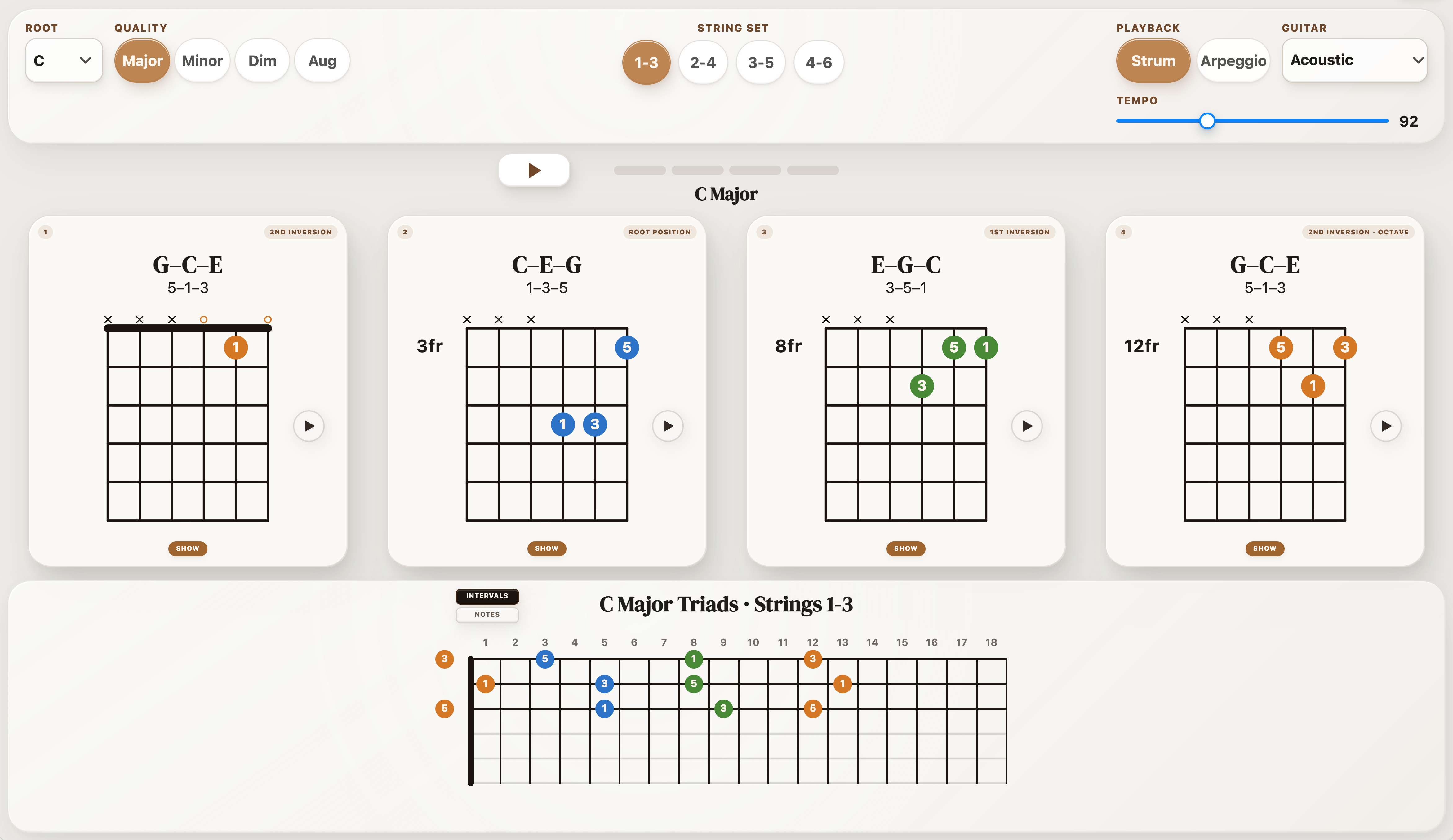
StrumForge links small chord shapes to a wider guitar practice workflow. Triad Trainer shows major, minor, diminished, and augmented triads across four adjacent string sets, with strummed or arpeggiated playback. Interval labels help you see which note is the root, third, or fifth.
Start with C major on strings 1–3. Learn each inversion, then select Triads in the progression options to hear compact voicings in a loop. Keep the trainer and progression exercises separate: learn the shape first, then practice the movement in time.
Why choose it
Four qualities and four adjacent string sets.
Triad study connects to progression and scale practice.
Keep in mind
Interactive trainer controls and playback require Pro.
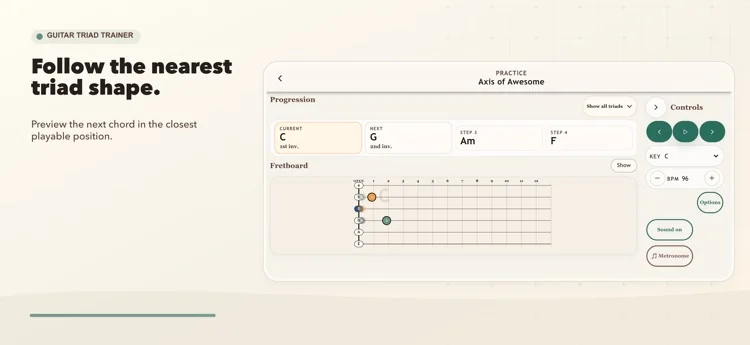
Guitar Triad Trainer puts triads at the center of the session. Its guided challenge moves through major, minor, and diminished shapes across adjacent string sets. Progression practice previews nearby shapes so you can work on moving between chords.
It suits players who want a dedicated sequence of triad tasks. Start with a single string set, then repeat a short progression until the next inversion feels familiar.
Why choose it
A staged challenge focused on triads.
Progression practice emphasizes nearby shapes.
Keep in mind
Continued access is paid after the trial.
Keep the string set fixed while learning the first shapes.
Free & paid: Free trial with paid access options; check the current offer.
Choose it for a dedicated, guided triad practice path.
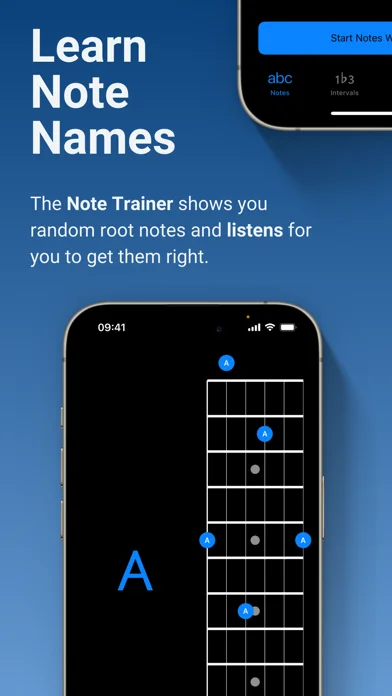
Solo asks you to find intervals and chord tones on the instrument. Its trainers listen for the requested note before moving on, encouraging you to think about a note’s function instead of only following a memorized shape.
It suits players ready for deliberate fretboard study. Start with a small range and one interval; expand only when you can find and hear the target without guessing.
Why choose it
A focus on intervals and harmonic function.
Listening feedback in supported note-finding exercises.
Keep in mind
Requires a paid download.
Expect active note-finding work rather than a guided song course.
Free & paid: Paid app; optional in-app purchases are listed on the App Store.
Choose it to strengthen interval recall across the fretboard.
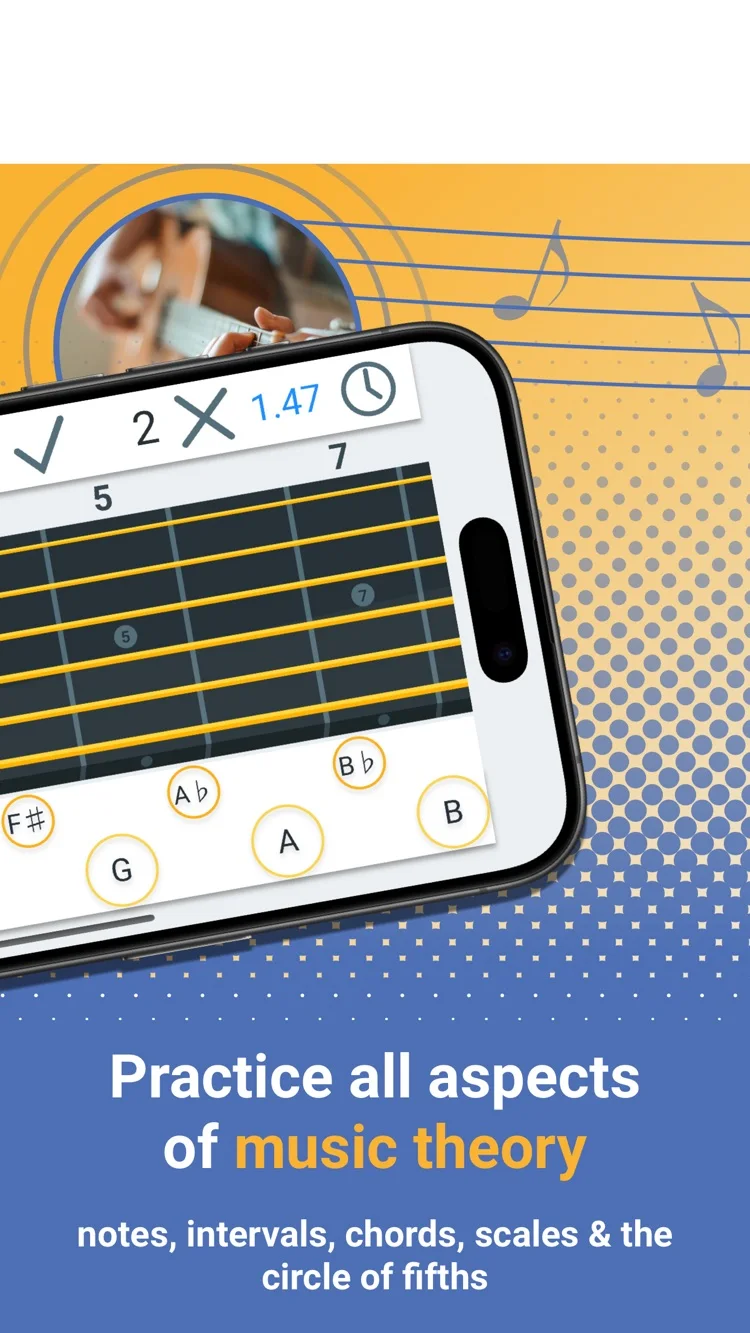
Fretonomy turns fretboard study into short recall exercises. Its games cover notes, intervals, chords, and scales, with explorers for checking shapes. That makes it useful when the problem is finding a note quickly rather than playing a longer phrase.
Use it for a few minutes of recognition work, then take the same notes to the guitar. Naming a position is the first step; hearing it over a chord and playing it in time finishes the task.
Why choose it
Several kinds of note and interval practice.
Explorers support checking a shape after a quiz.
Keep in mind
Choose one skill per session to keep the games focused.
Follow recognition drills with real playing over a loop.
Free & paid: Free download with optional in-app purchases.
Solo — Choose it to strengthen interval recall across the fretboard.
Chord and interval recall
Fretonomy — Choose it for quick fretboard recall sessions.
Put it into practice
Move C–F–G without jumping across the neck
On strings 3–2–1, try C at 5–5–3, F/C at 5–6–5, and G/B at 4–3–3. Play only those three strings. Listen to the upper note move G–A–G while the bass notes move C–C–B.
Strum once per bar at a slow tempo. Keep the changes clean before adding a picking pattern. Follow the triad movement exercises for diagrams and the full drill.
Choose one job for the next session
An app earns its place in a session by making one task easier. Choose the workflow first: hear a guitar loop, study the fretboard, follow a lesson, or record a demo. A long feature list matters less than getting that task done.
Start with a small exercise before committing to a paid plan. The official links beside each app cover its current features and purchase options. Product information checked October 20, 2026.
Common questions
Which app is best for learning guitar triad inversions?
StrumForge is a strong fit for seeing and hearing inversions across adjacent string sets. Guitar Triad Trainer offers a staged challenge. Solo and Fretonomy focus more on finding or recalling the notes that make up the shapes.
Are triads different from arpeggios?
A triad is a chord with three different notes. An arpeggio plays chord tones separately, so a triad can be played as an arpeggio. Seventh-chord arpeggios add a fourth chord tone.
Can I learn triads without a paid app?
Yes. Use the free triad chart and exercises to learn the shapes with a guitar. StrumForge’s trainer has a free preview; interactive controls and playback require Pro.