A scale app should help you do more than memorize dots. Choose a tool for playing over chords, finding intervals, recalling notes, or checking a fretboard pattern.
Offers and included features can change. Follow the official links in each review for the current purchase options.
01
Best for connecting scales to chord loops
StrumForge
Web, iPhone, iPad & Android
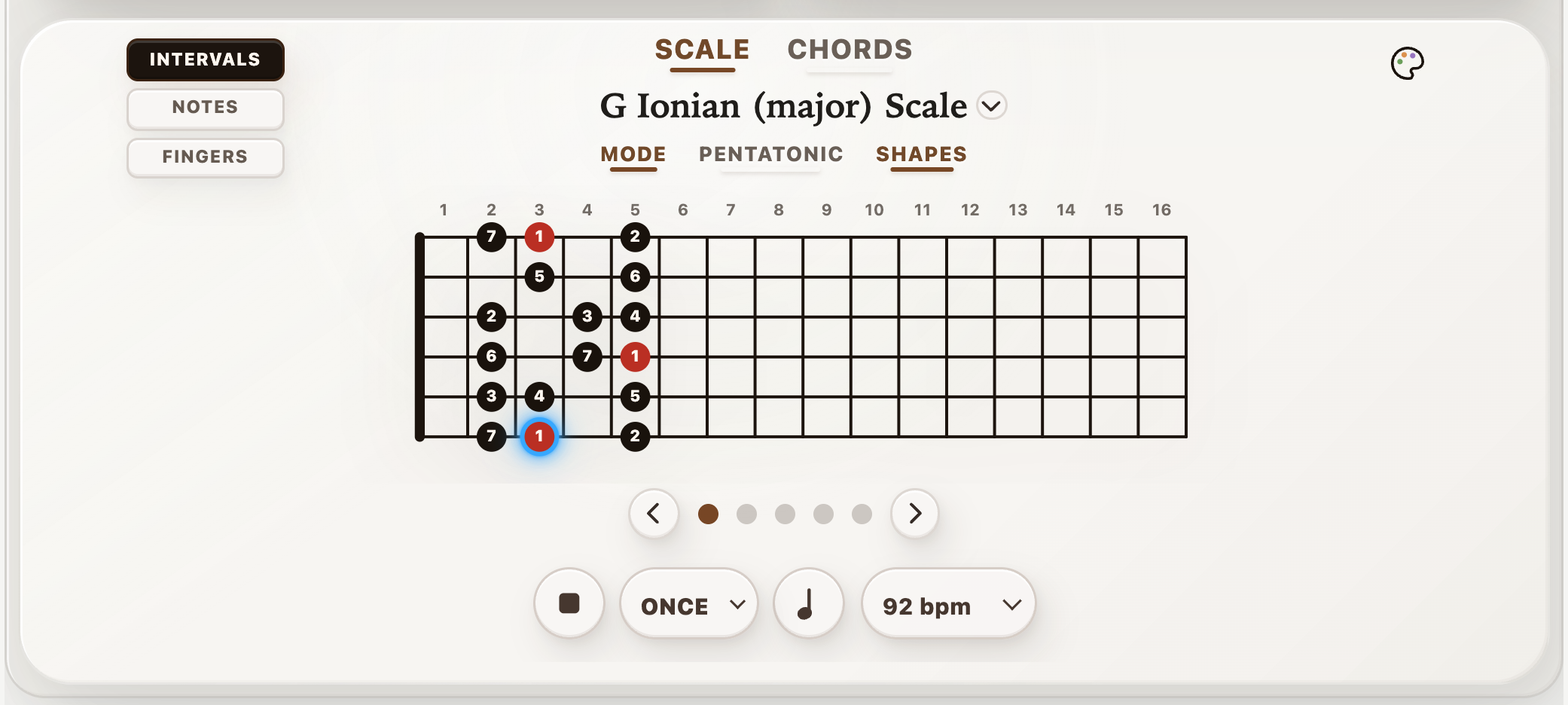
StrumForge keeps scale study close to the chords you want to play over. Inspect a scale shape, use note or interval labels, and highlight the tonic triad to locate its root, third, and fifth. With Pro, follow scale playback before playing the pattern yourself.
Then return to a progression and choose target notes for each chord. The tonic-triad colors describe the selected scale’s tonic chord; they do not automatically change to match every chord in a backing loop. That distinction makes the ear-training task clear.
Why choose it
Scale diagrams, labels, and tonic-triad highlighting.
Progression tools give the notes a harmonic context.
Keep in mind
Advanced scale playback and practice controls require Pro.
Select chord-tone targets deliberately when the harmony changes.
Free & paid: Free four-chord generation within a daily allowance; optional Pro subscription or one-time purchase.
Choose it to connect scale shapes with musical phrases over chord loops.
Use the scale view to find notes before building a phrase.
02
Best for interval-based fretboard practice
Solo
iPhone, iPad, compatible Macs & Android
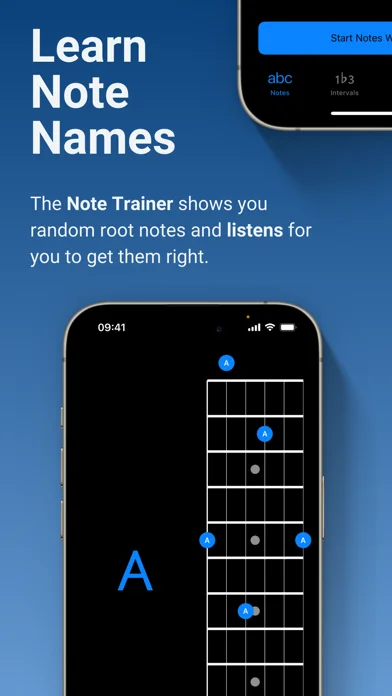
Solo asks you to find intervals and chord tones on the instrument. Its trainers listen for the requested note before moving on, encouraging you to think about a note’s function instead of only following a memorized shape.
It suits players ready for deliberate fretboard study. Start with a small range and one interval; expand only when you can find and hear the target without guessing.
Why choose it
A focus on intervals and harmonic function.
Listening feedback in supported note-finding exercises.
Keep in mind
Requires a paid download.
Expect active note-finding work rather than a guided song course.
Free & paid: Paid app; optional in-app purchases are listed on the App Store.
Choose it to strengthen interval recall across the fretboard.
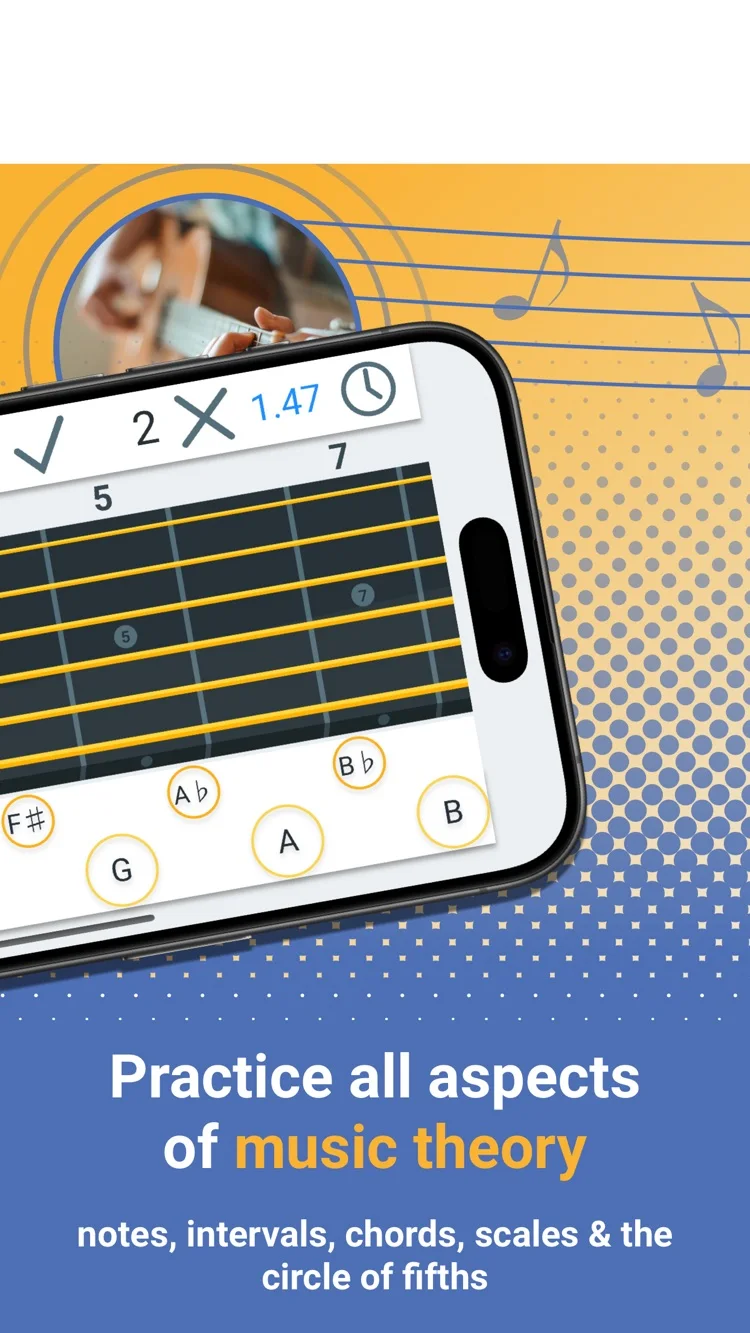
Fretonomy turns fretboard study into short recall exercises. Its games cover notes, intervals, chords, and scales, with explorers for checking shapes. That makes it useful when the problem is finding a note quickly rather than playing a longer phrase.
Use it for a few minutes of recognition work, then take the same notes to the guitar. Naming a position is the first step; hearing it over a chord and playing it in time finishes the task.
Why choose it
Several kinds of note and interval practice.
Explorers support checking a shape after a quiz.
Keep in mind
Choose one skill per session to keep the games focused.
Follow recognition drills with real playing over a loop.
Free & paid: Free download with optional in-app purchases.
Fretastic is a handy browser reference when you want to see a scale on the neck. Select a scale, inspect the note locations, and use the available playback and practice controls to turn a diagram into a short exercise.
Treat the full fretboard as a map, then narrow your attention to one area. Find the root, third, and fifth there before running the whole pattern. That gives the shape a musical purpose.
Why choose it
A quick reference available in the browser.
Interactive fretboard views for scales and chords.
Keep in mind
A reference map still needs a specific practice task.
Study one position before expanding across the neck.
Free & paid: Free browser tool.
Choose it when you want a free, visual scale reference.
StrumForge — Choose it to connect scale shapes with musical phrases over chord loops.
Interval-based fretboard practice
Solo — Choose it to strengthen interval recall across the fretboard.
Fretboard recall and quizzes
Fretonomy — Choose it for quick fretboard recall sessions.
A free browser fretboard reference
Fretastic — Choose it when you want a free, visual scale reference.
Put it into practice
Give the scale four destinations
Over C–G–Am–F, land on E–B–C–A, one note at the start of each bar. These are the thirds of the four chords. All four belong to C major, but each has a different job as the harmony changes.
Leave the rest of each bar empty at first. Then add one passing note before each target. Use the chord-tone soloing lesson for a playable 5th–8th fret example.
An app earns its place in a session by making one task easier. Choose the workflow first: hear a guitar loop, study the fretboard, follow a lesson, or record a demo. A long feature list matters less than getting that task done.
Start with a small exercise before committing to a paid plan. The official links beside each app cover its current features and purchase options. Product information checked October 20, 2026.
Common questions
What is the best guitar scale practice app?
StrumForge is a strong fit for connecting scales to chord-loop practice. Solo suits interval-based note finding, Fretonomy suits fretboard recall, and Fretastic provides a free browser reference.
Should I learn every scale position first?
Start with one position you can play and hear clearly. Find its roots and chord tones, make short phrases, then connect it to a neighboring position.
Does one scale work over every chord progression?
No. A shared scale can cover many diatonic progressions, but borrowed chords and other chromatic harmony can introduce notes outside it. Check the actual chord tones before choosing a scale.